2
FotoCube Smart Display
2.1
How to Use the FotoCube Smart Display
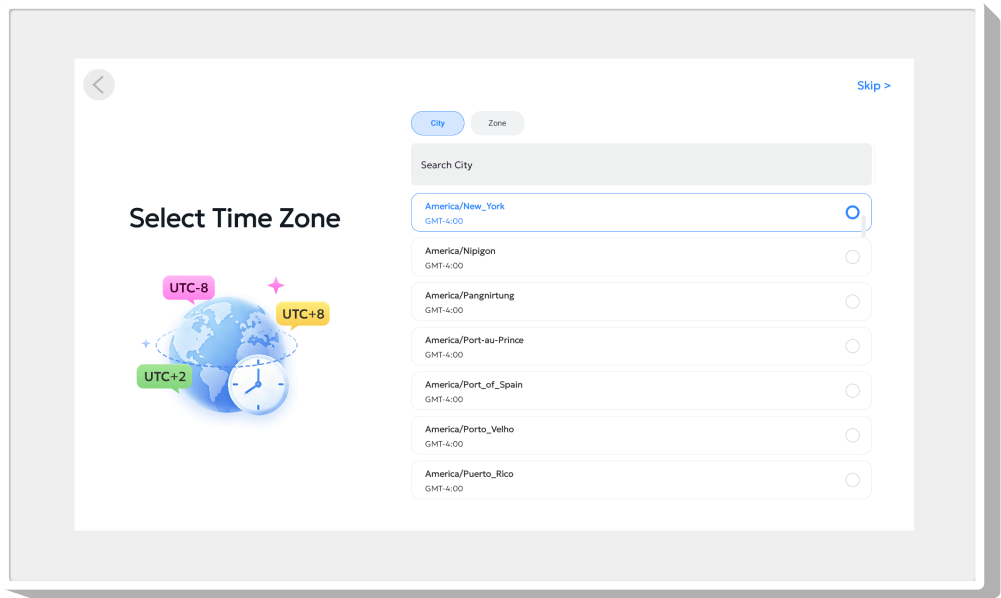
When you use the Smart Display for the first time, you need to set it up. Choose a language: Select your preferred language as the default language. Connect to Wi-Fi: Connect to the Wi-Fi at home to connect the Smart Display to the internet. Set city: You may search for your city to calibrate the time zone. If your current city cannot be found in the search results, set the time zone page to set the device time zone.



Name the device: For example, "My Family".

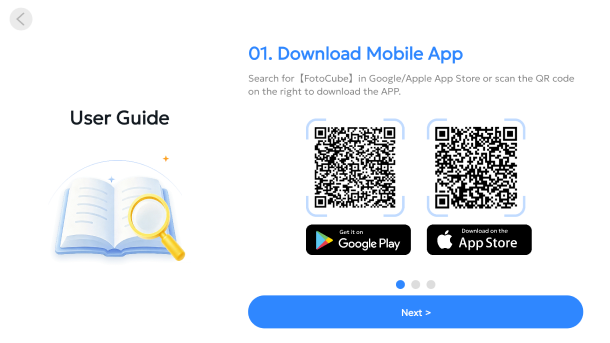
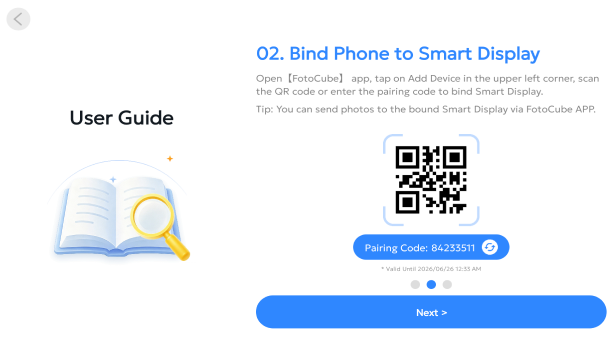
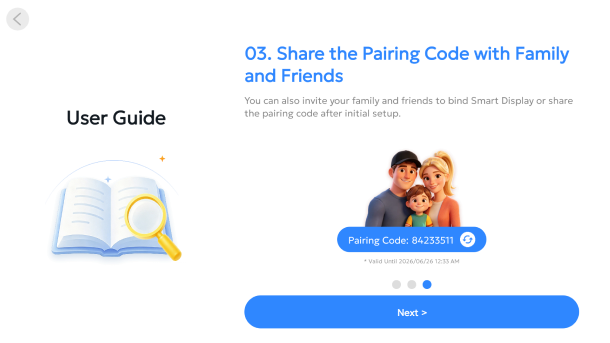
Quick Start Guide: View the quick guide on the FotoCube Smart Display.

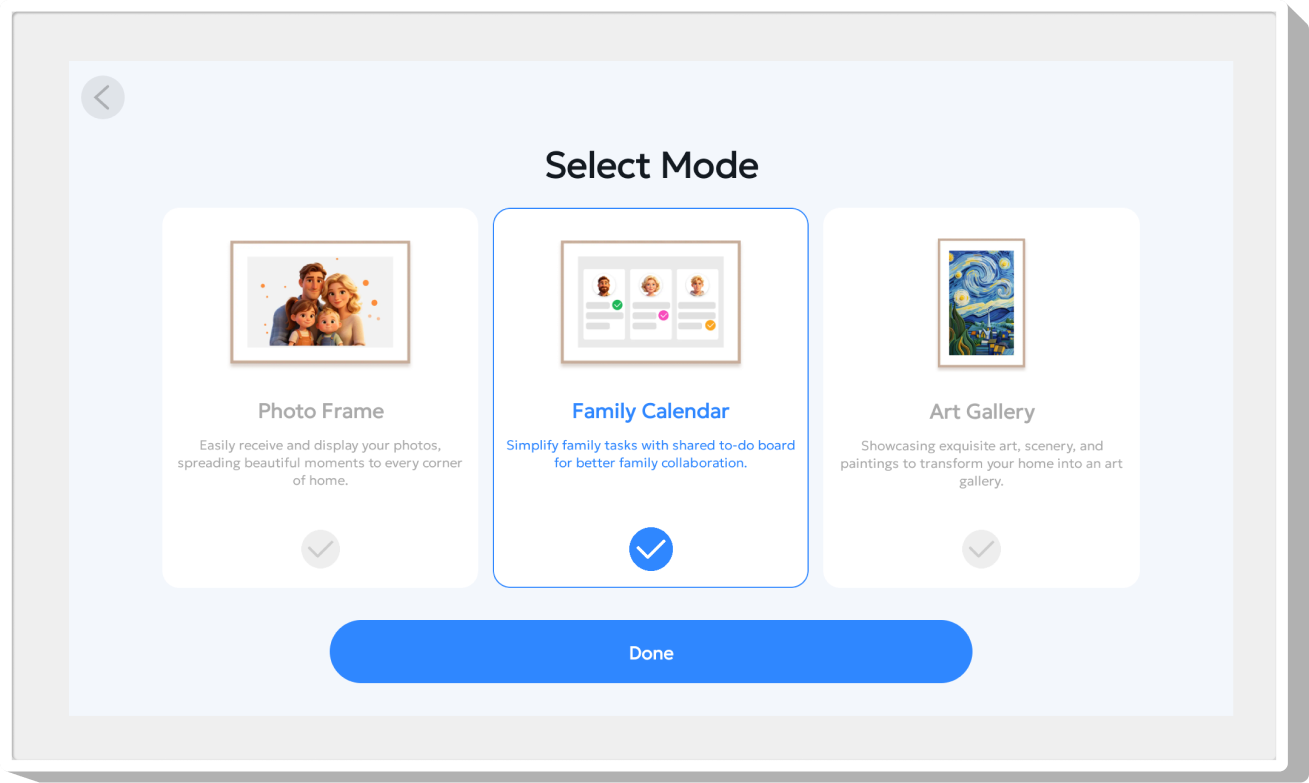
Select a Mode: FotoCube Smart Display supports three modes. Select the one you prefer.